







Web Analytics

HR Reminders

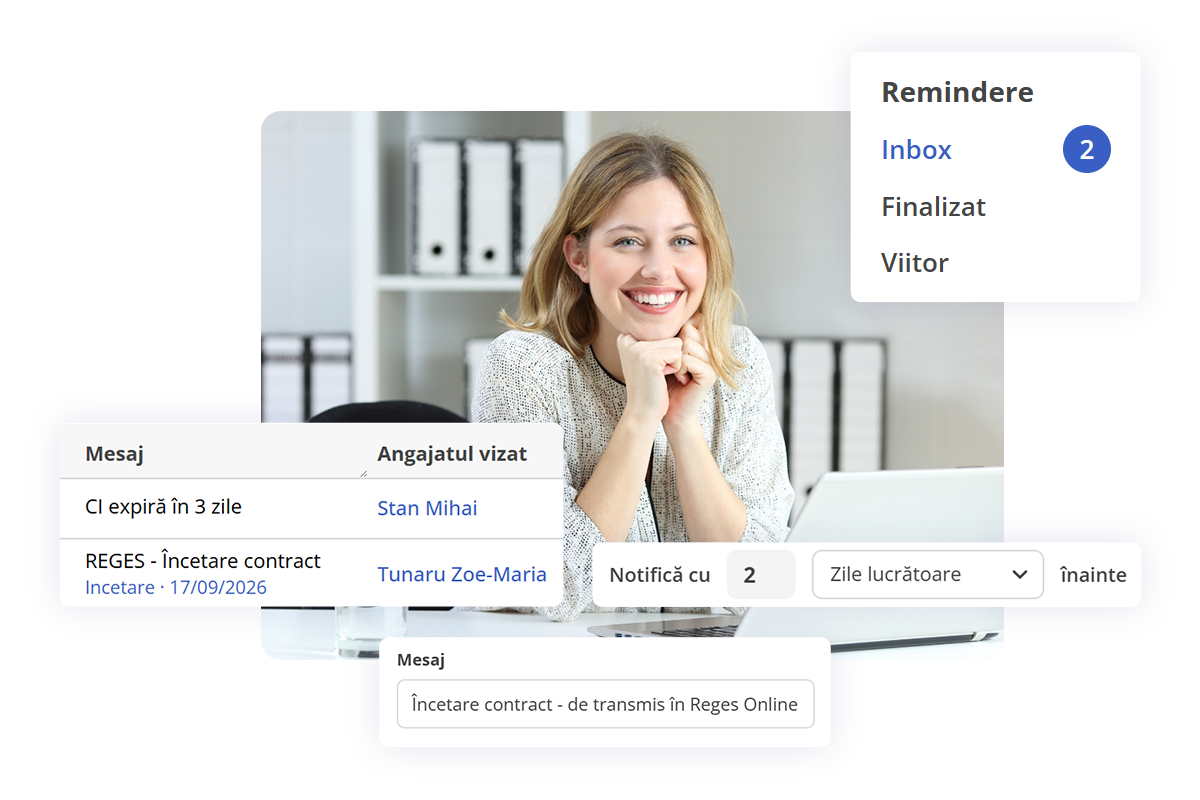
Important deadlines no longer slip by unnoticed. With the HRiFlow reminders, you find out in advance when an important document is about to expire, so you can act before it's too late.

Schedule a demo
administrarea termenelor limită în HRiFlow

Automated reminders

Smart management for documents with expiration deadlines

Reminders

Configurations

Notifications

Reminders for every deadline

The module warns you in advance, before important documents expire.

  • ID card, tickets, driving license, and residency permit
  • OHS training renewal, medical examination
  • Employment contract conclusion, probation period
  • Tracking deadlines for submitting operations in Reges Online
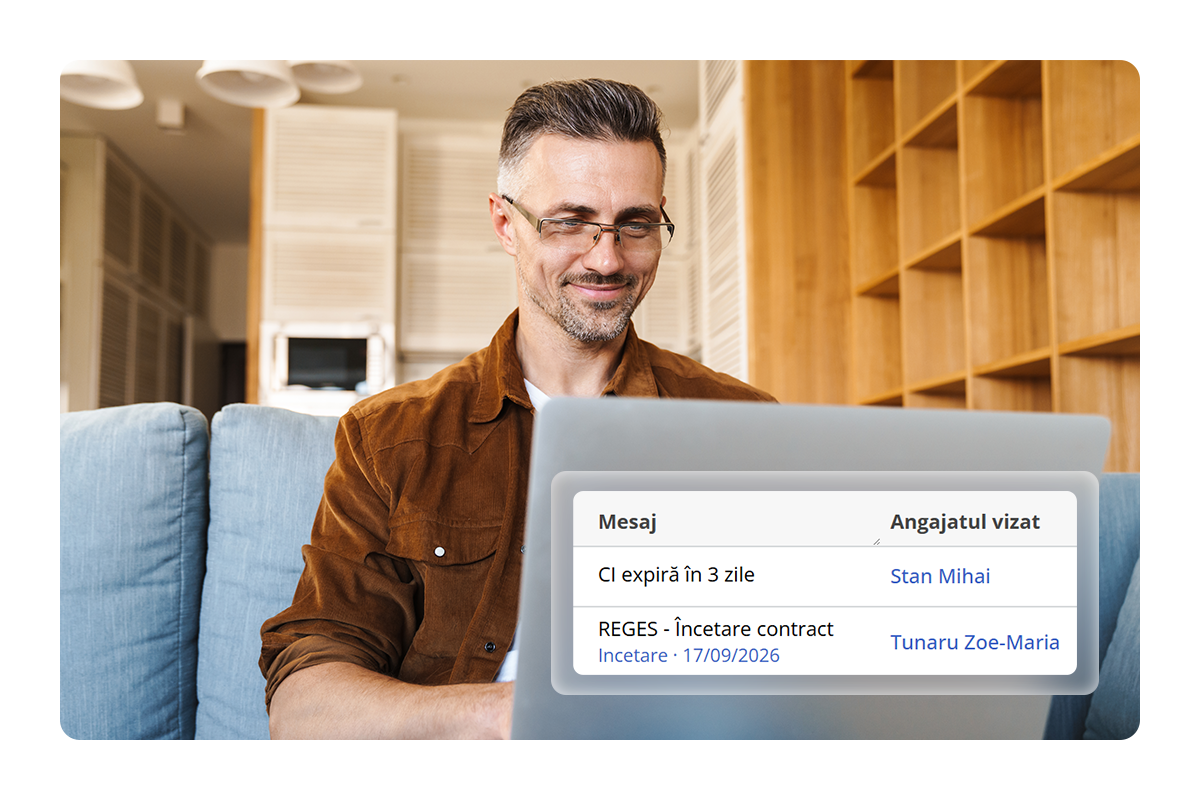
angajat primind notificări în aplicația HRiFlow

Build reminders around your workflow

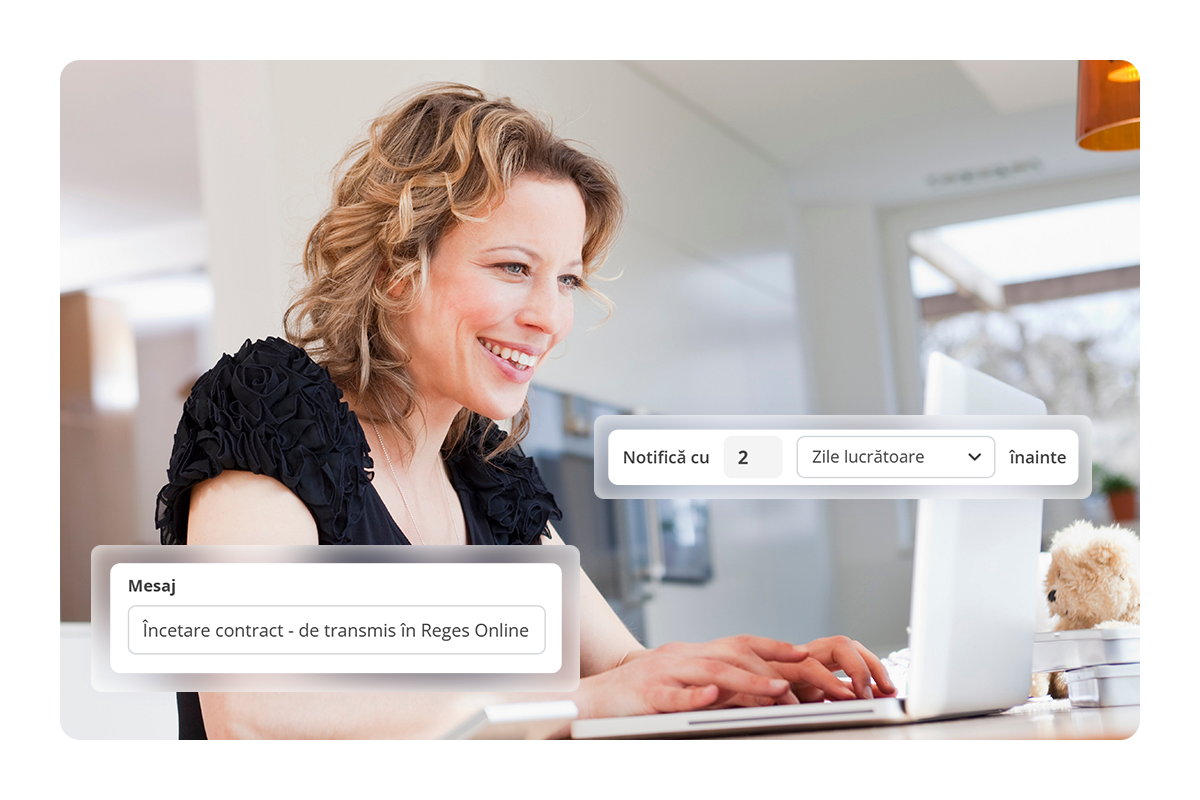
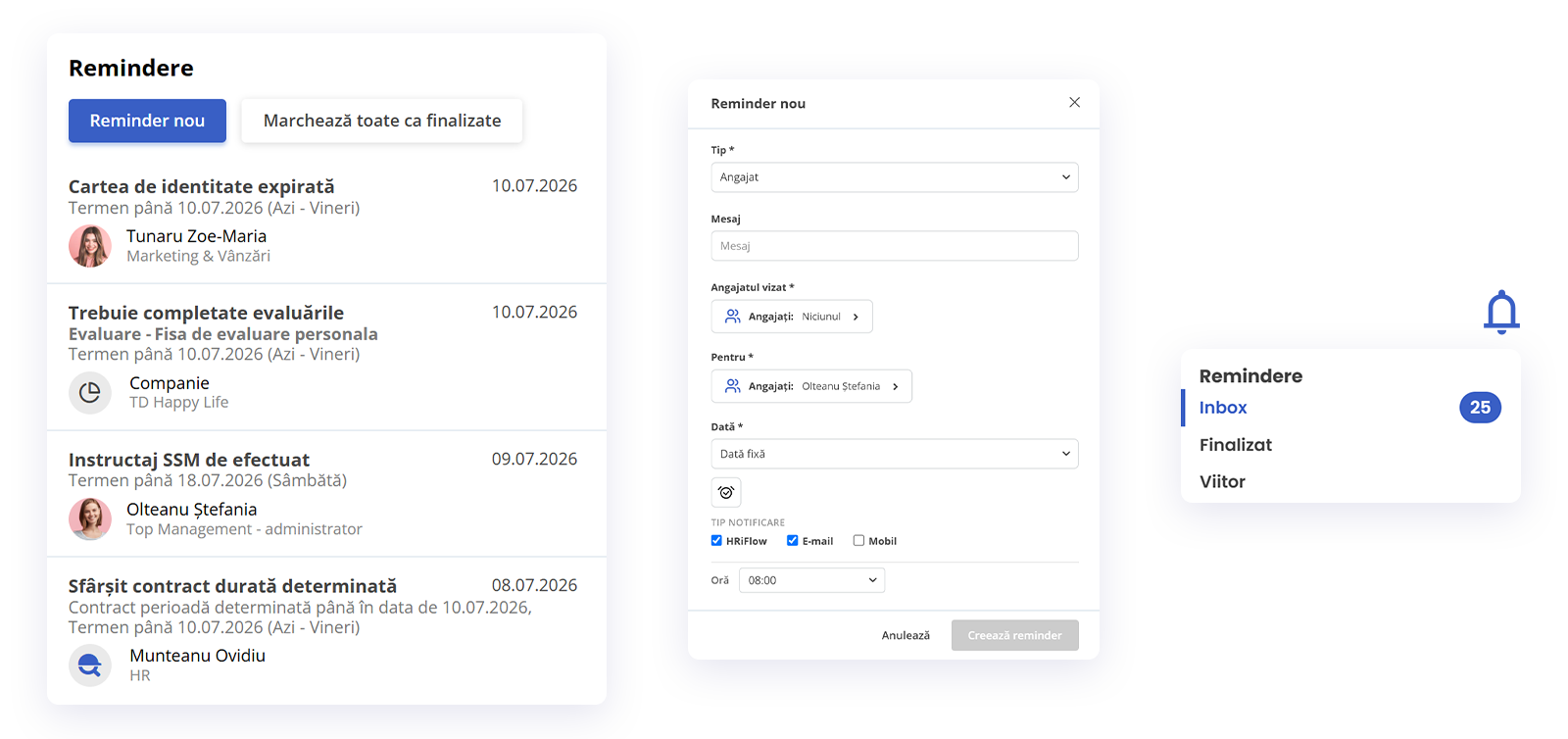
Each reminder can be adjusted to your preferences, from recipients and message, to timing and frequency of delivery.

  • Choose recipients
  • Customize name and message
  • Set notification date
  • Configure recurring reminders
configurarea modulului de remindere din HRiFlow

Notifications delivered right on time

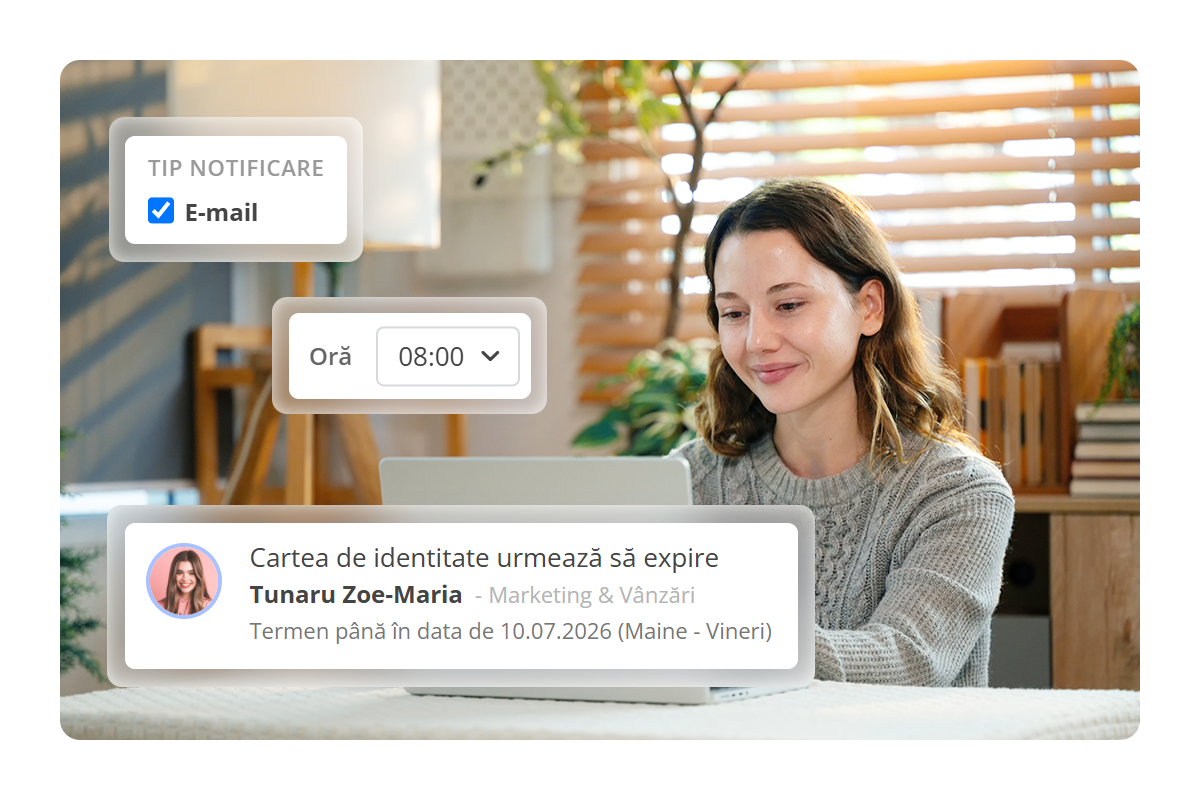
Set up once who receives the reminder and when, and HRiFlow will notify you through your chosen channel.

  • Notification via app, email, or mobile phone
  • Configure recipients
  • Set delivery time
  • Check delivery status
angajată primind o notificare despre expirarea cărții de identitate în aplicația HRiFlow

More ways to stay on track

Additional reminders you can set

Besides the automatic notifications that alert you to upcoming deadlines, you can also set the following reminder categories:

General

A general message that needs to be sent by a certain date. For example, an announcement about the holiday work schedule or a reminder to complete an internal survey.

User

An action tied to a specific person, with a deadline for resolution. For example, an upcoming annual salary review or a follow-up after a feedback discussion.

Documents

For documents that need to be prepared, updated, or submitted by a certain deadline. For example, a travel order that needs to be finalized before a scheduled trip.

Reviews

Anything related to employee evaluations or self-assessments. For example, a reminder before the deadline or a notification for those who haven't completed their evaluation.

Events

Notifications related to overtime, leave, or time off requests that need tracking. For example, a reminder for an employee to delegate their tasks before going on leave.

Signatories

For documents awaiting a signature that are taking longer to finalize. For example, a contract or addendum that needs to be signed by a specific employee, including documents generated directly in the app.

Simplified internal processes

"At F64 Studio, HRiFlow quickly became a trusted ally in organizing our work. It helps us easily manage time tracking, leave, reports, and teams, simplifying internal processes and saving us valuable time that we can dedicate to our projects and clients."

https://www.f64.ro/

Deadline monitoring

Widget for reminders

As soon as you open the app, you can see a list of reminders showing everything that has expired or is due today and needs immediate attention.

Discover how HRiFlow saves you from calendar chaos

HRiFlow's reminders help you stay organized, keeping your company's important tasks and notifications in check.

The module in action

How reminders work

A short video about the reminder module's features: alerts, notification channels, and tracking active deadlines.

Other nice-to-have features

In addition to deadline management, HRiFlow gives you access to a wide range of tools that make your HR work easier.

Payroll

Automate payroll calculations, payroll document completion, D112, and the management of deductions, bonuses, and other benefits.

Documents

Generate, sign, distribute, and securely store all your company's employee documents, so you can access them with ease.

Timekeeping

Plan, manage, and report on employee timesheets, leave, and other key events, along with requests and certificates.

Ore

FAQs

Didn't find the answer you were looking for?
Our team is here to help!

How does the reminder module help me manage deadlines?

The app notifies you before important HR deadlines expire (ID card, fixed-term employment contract, residency permit, meal tickets, submitting operations in Reges Online, etc.), so nothing essential slips through.

Why would I use the reminder module when I already have Excel sheets with deadlines?

Unlike multiple manually updated Excel files, kept separately for each document type or employee, HRiFlow reminders are set up once, as a rule, and applied automatically to all employees, including those added later. It also checks past situations, flagging documents that have already expired or haven't been updated, so you're always ready for a potential labor inspection.

What types of reminders can be configured in HRiFlow?

You can receive alerts for all relevant HR deadlines:

  • Expiration of personal documents (ID card, driving license, meal ticket card)
  • Upcoming OHS training renewal or medical examination
  • Expiration of contractual documents (employment contract, probation period), as well as deadlines for reporting contractual operations in Reges Online

Beyond these deadline-related alerts, the system also offers other reminder categories, configurable to your team’s needs: general, employee, events, documents, signatories, evaluations.

Is the reminder module included in my existing plan, or is it billed separately?

Yes, the reminder module is included in the Starter and Business plans. The Standard plan also offers access to reminders, but with limitations. For unlimited volume, you'll need to purchase the module separately. For more details about available plans, visit the pricing page.

Through which channels can reminders be sent?

You can choose how you'd like to receive alerts about upcoming deadlines (documents, Reges Online submissions, medical exams): in-app, by email, or as a push notification on your mobile phone.

What happens to a reminder after the deadline has passed? Does it stay visible as overdue?

Yes. The reminder doesn't disappear. It remains displayed on the main panel even after the due date has passed, but it's highlighted in red to signal that the deadline has been missed.

I want to activate the reminder module, how do I proceed?

To activate the reminder module, send a request to [email protected], and our team will help you set it up.

Important deadlines no longer have to catch you by surprise

Schedule a demo or create a free account to try HRiFlow.

Schedule a demo

The free trial period is 15 days.