


How to install the HRiFlow Clocking app to your workspace
- Go to Settings -> Integrations
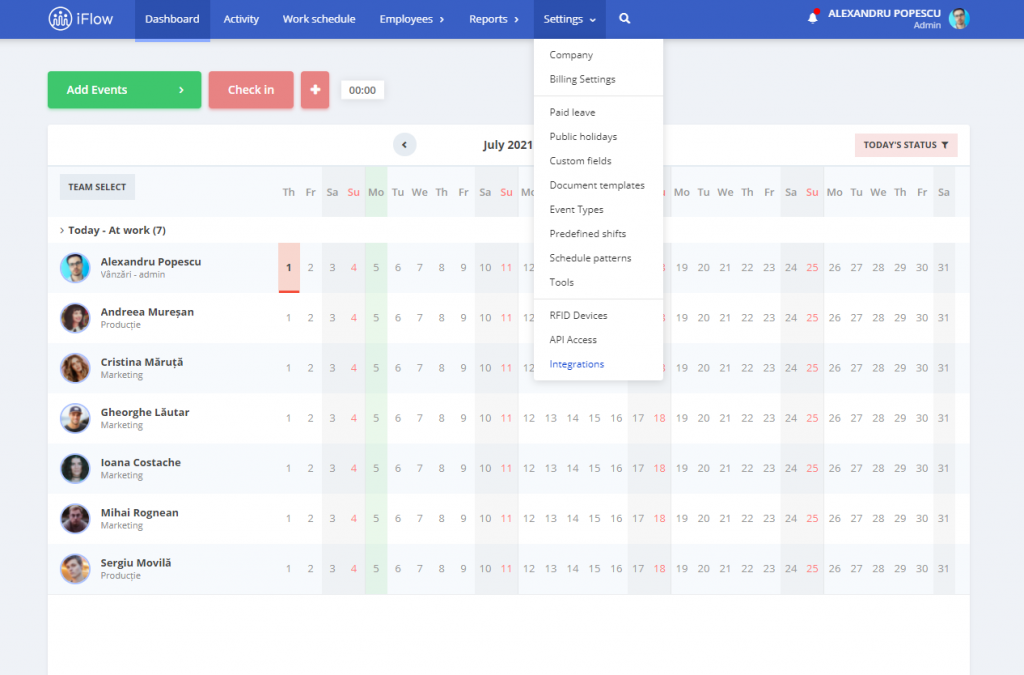
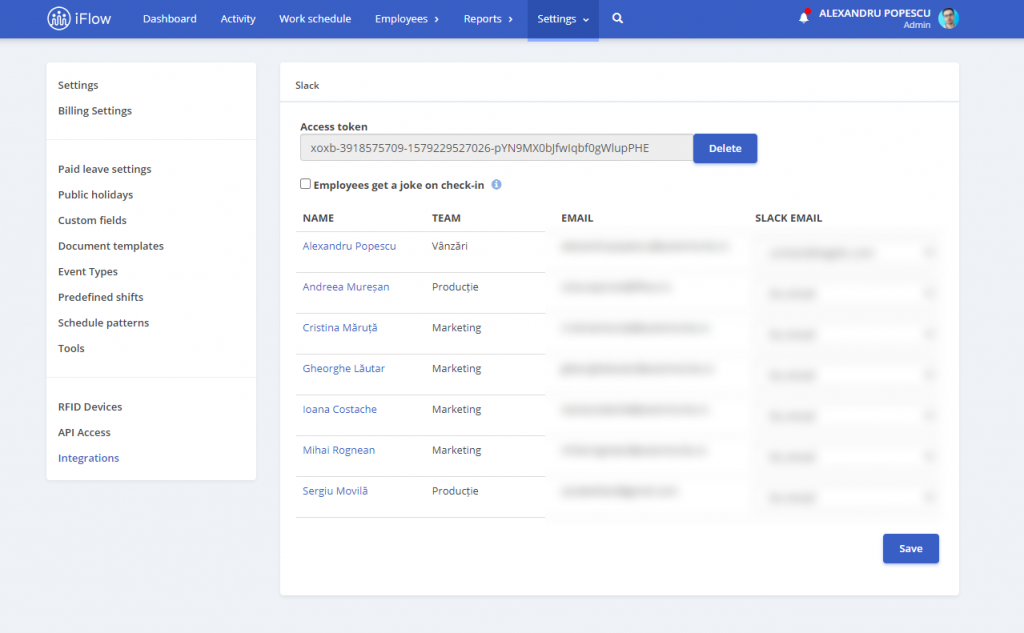
2. Click “Add to slack” and authorize HRiFlow to connect to your Slack Workspace
3. HRiFlow will try to match the emails from our app to the ones available in the Slack Workspace, if a match cannot be made you can select the email manually.
iFlow provides a Slack application that acts as a Bot. This Bot will appear in the Apps section of Slack and you can send to it the following commands:
- Clocking – this will check you in/out of work
- Holiday – this will show the available free days for your account


