


Attendance tracking methods
Available in HRiFlow
As technology and work styles evolve, companies adapt quickly. Discover the attendance tracking methods available in HRiFlow and choose the solution that best suits your team.



Digital attendance with HRiFlow
Record attendance online, automatically, and accurately. You have several time tracking options available: in-app check-in, QR code, personal link, or even facial recognition.
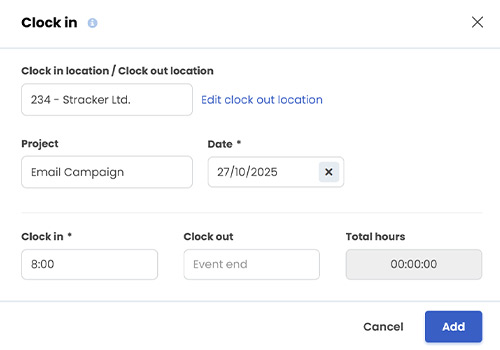
Flexible time tracking
Attendance tracking methods tailored to your company.
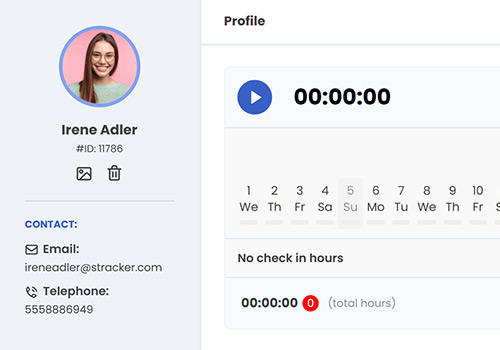
Unlimited employees
Register an unlimited number of employees on the platform.
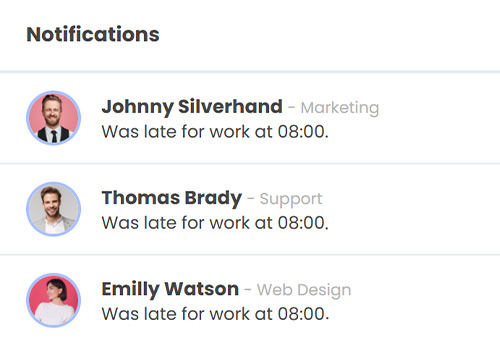
Always informed
Receive real-time attendance notifications.
Attendance via browser and dedicated app
The HRiFlow app can be used easily on desktops, tablets, or phones. The data collection system is cloud-based, meaning every record is synchronized in real time with HRiFlow reports.
Additionally, you can capture GPS location during check-in or define a tracking area via geofencing — both designed for transparent attendance management.
Attendance via QR code
For employees working in different locations, the QR code is an efficient time tracking method. No need to log in to the app, attendance is recorded by simply scanning a code with your phone.
The QR code can be printed, and employees can scan it from anywhere and enter their unique identifier. The data is instantly updated in HRiFlow.
Attendance via link
This method is ideal for teams looking for digitalization without equipment or complex technical processes. A designated person receives a link and manages colleagues' daily time tracking via any preferred communication channel.
By entering the code or badge number, attendance is recorded by the minute at both arrival and departure.
Contact us!
Join a discussion with an HRiFlow specialist so we can identify your company's needs together.
Attendance devices
With HRiFlow, you have access to digital tools that simplify time tracking and help you coordinate employees’ schedules in real time.
Time tracking solutions for all industries
No matter how your team works — at the office, remotely, or on the go — HRiFlow offers flexible time tracking options that can be easily adapted to any activity.
Looking for a more comprehensive system?
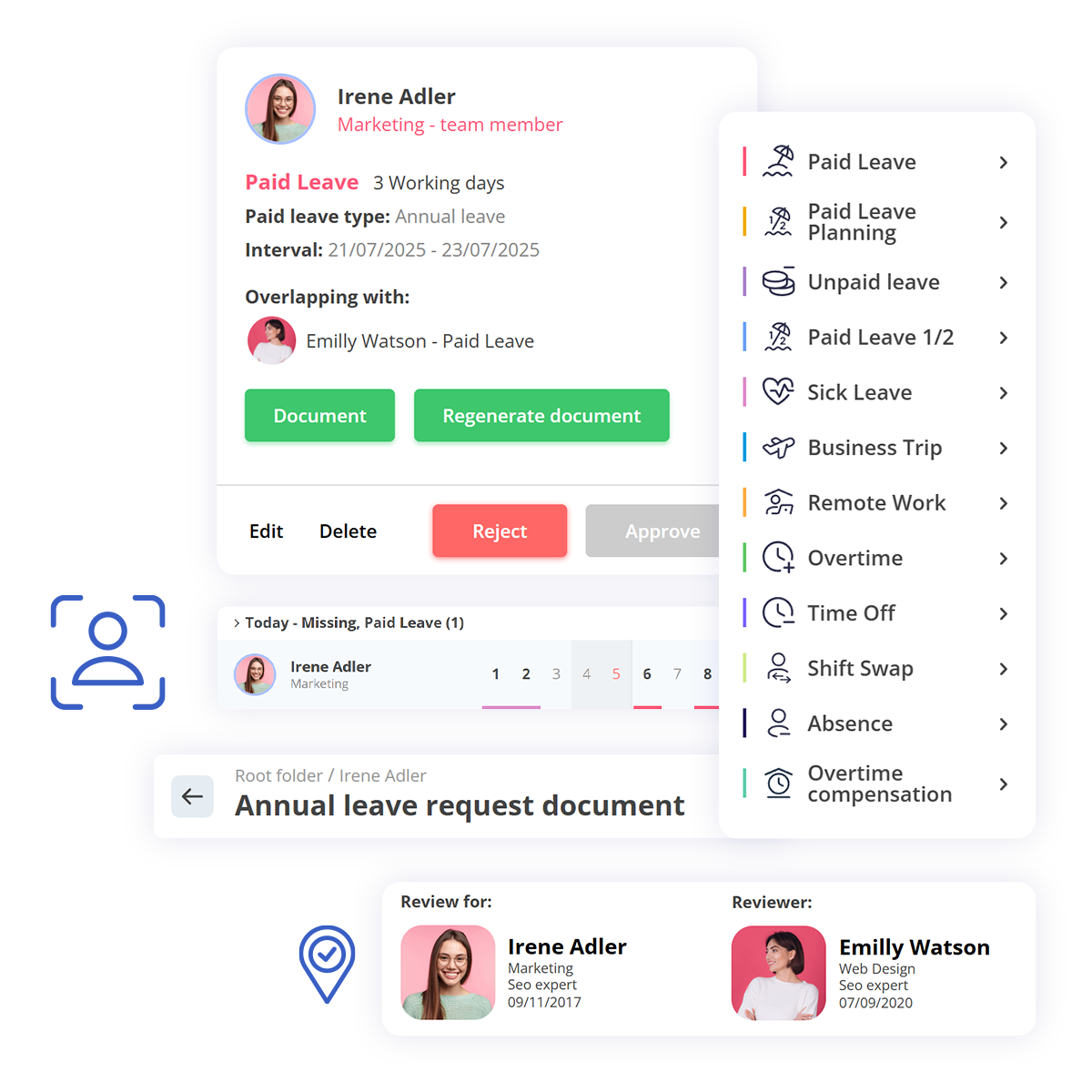
HRiFlow is not just a time tracking tool; it’s a complete HR platform designed to streamline processes across the entire human resources department.

FAQs
Didn't find the answer you were looking for?
Our team is here to help!
Which time-tracking method is best suited for my company?
For office-based teams, the web app or office time-tracking devices are recommended, while field employees benefit from the added flexibility of the mobile app. In factories, warehouses, and other industrial settings, dedicated time-tracking devices are recommended, and for a higher level of security, fingerprint or facial recognition solutions can be used. Depending on the company's needs, these methods can also be combined.
Can I use multiple time-tracking methods at the same time?
Yes. HRiFlow allows multiple time-tracking methods to be used simultaneously, depending on how each team works. For example, office staff can clock in through the web app, field employees through the mobile app, and production staff through time-tracking devices. All records are automatically centralized in the HRiFlow application.
Can employees clock in from their mobile phone?
Yes. Employees can clock in from their mobile phone, using the method configured by the company. Depending on the company's needs, clocking in can be done through the app, by scanning a QR code, or by entering a PIN code. The app records the employee's exact clock-in and clock-out times, as well as information such as GPS location or the project they clocked in for.
How does HRiFlow verify the location from which clocking in is done?
HRiFlow can record the GPS location at the moment of clocking in, allowing the employer to verify that it was done from the established work location. Depending on the organization's policy, restrictions can also be configured for the locations from which clocking in is permitted.
What information is recorded for each clock-in?
For each clock-in, HRiFlow automatically records the exact date and time, the method used, and, depending on the company's configuration, additional information such as GPS location, project, or the device used.
How is the identity of the person clocking in verified?
For companies that need an extra layer of security, access control devices with facial scanning or fingerprint recognition can be used. These automatically confirm each employee's identity at the moment of clocking in, removing the possibility of one employee's presence being registered by a colleague, whether through a card or other means.
Does HRiFlow track employees' location throughout the workday?
No, the HRiFlow app does not perform live tracking and does not monitor an employee's movements during working hours. GPS location is recorded only at the moment of clocking in (at clock-in or clock-out) to confirm that it was done from the established work location, with no tracking of activity afterward.
Try time tracking with HRiFlow
Schedule a demo or create a free account to try HRiFlow.
The free trial period is 15 days.


